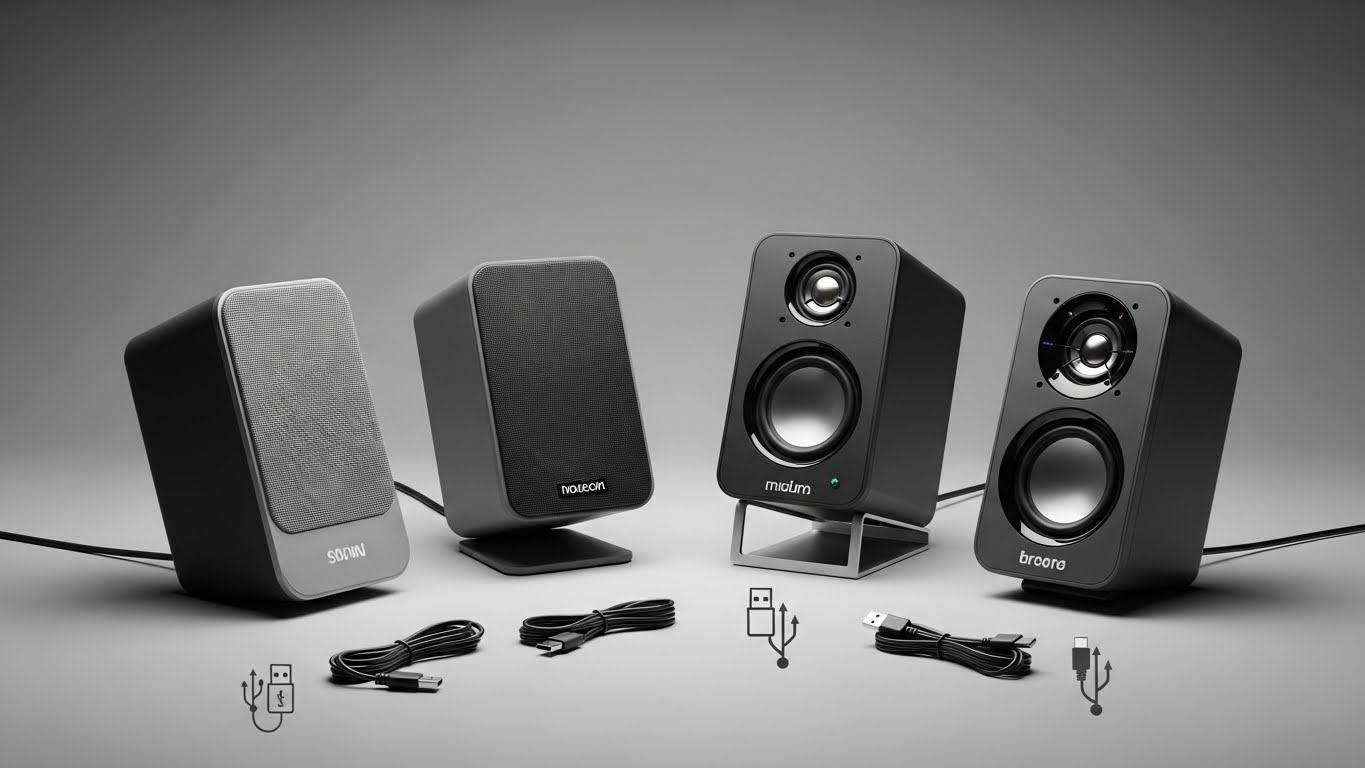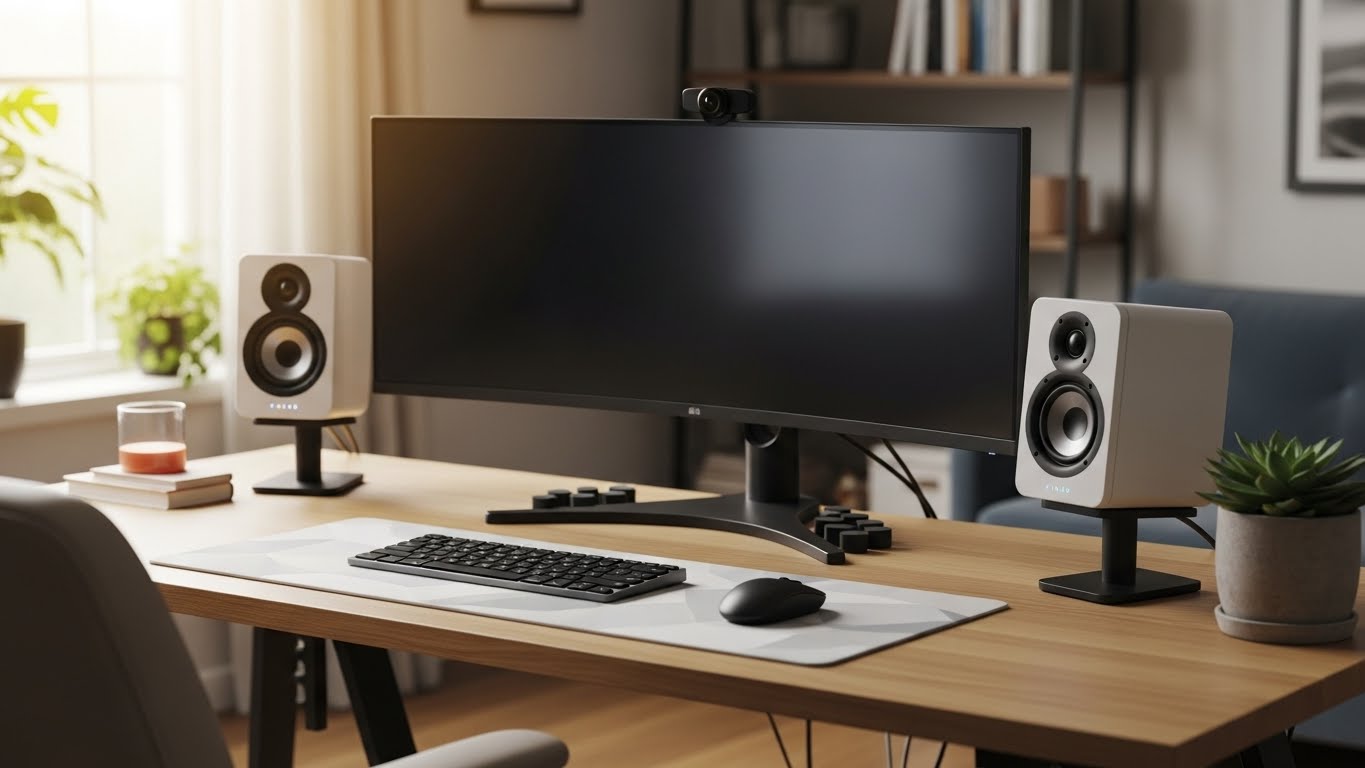
Work-from-home speakers need to do two things well:
- Make voices easy to understand (meetings, calls, podcasts) without harsh treble that tires you out.
- Sound clean at low-to-mid volume (because you’re sitting close at a desk).
Also—quick reality check: most stereo desktop speakers are not ideal “speakerphones” unless your mic and software handle echo well. If you want truly stress-free calls on speakers, a speakerphone-style device is usually the best move.
Below are the 4 products, compared for WFH use.
Quick Picks
- Best for meetings (built for calls): Dell SP3022 USB Computer Speaker for PC, Laptop, Monitor, Business Conference-Mini Soundbar Speakerphone, AI Noise Echo Cancellation, Full Duplex Audio, 2 x 1.8W, MS-Teams Certified – Platinum…
- Best overall for WFH music + clear vocals (modern desk setup): Edifier M60 Multimedia Speaker Bluetooth 5.3, 66W RMS, Hi-Res Audio & Hi-Res Wireless Audio, LDAC,3″ Mid Bass & 1″ Tweeter, USB-C & Aux Inputs, Compact Desktop Speaker – Black
- Best budget “real speakers” option: PreSonus Eris Accent Powered Bookshelf Speakers – 50W Wired Stereo Speakers for Record Player, Turntable, Desk & Home, Multiple Inputs, 4″ Woofer, Studio Monitors, Tweeter, Remote, Sub Out, Wood…
- Best premium compact upgrade: Audioengine A2+ 24 Bit 60 Watt Bluetooth Desktop Computer Speakers for Music and Gaming – PC MAC Laptop Tablet
1) PreSonus Eris Accent Powered Bookshelf Speakers – 50W Wired Stereo Speakers for Record Player, Turntable, Desk & Home, Multiple Inputs, 4″ Woofer, Studio Monitors, Tweeter, Remote, Sub Out, Wood…
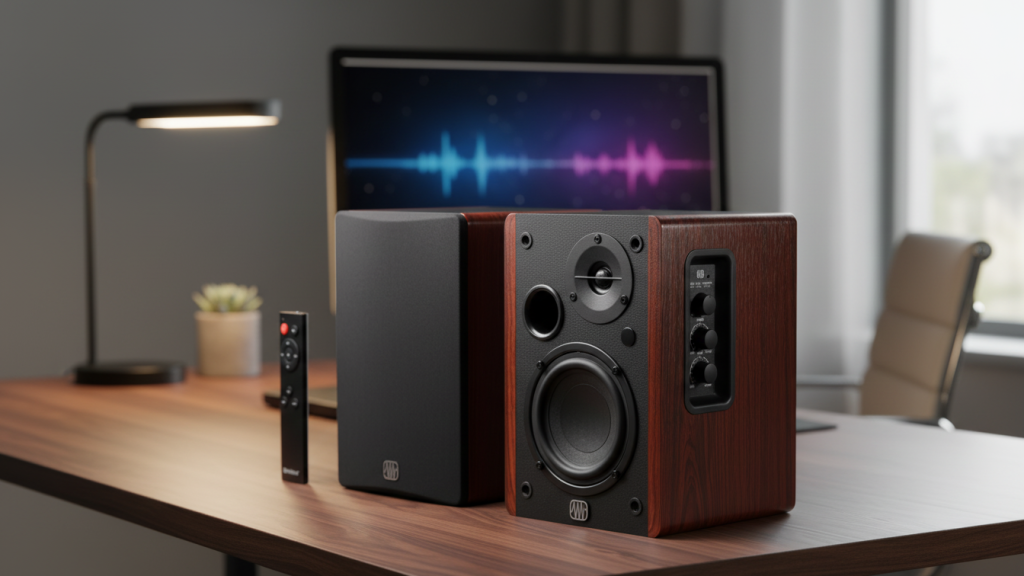
If you want “real speakers” on a desk without spending a lot, this is the practical pick. A 4″ woofer style setup is often a sweet spot for WFH: big enough to sound full, small enough to fit most desks.
Why it works for WFH
- Usually gives you clearer mids than tiny PC speakers, so voices and podcasts sound more natural
- Enough body for music at low-to-mid volume
What to watch out for
- Great for listening, but not specifically designed as a speakerphone (your call quality will depend on your mic/software)
- Placement matters: too close to a wall can make bass feel “thick” and muddy
Best for: budget WFH setups that want better music + clearer dialogue than basic computer speakers.
2) Audioengine A2+ 24 Bit 60 Watt Bluetooth Desktop Computer Speakers for Music and Gaming – PC MAC Laptop Tablet
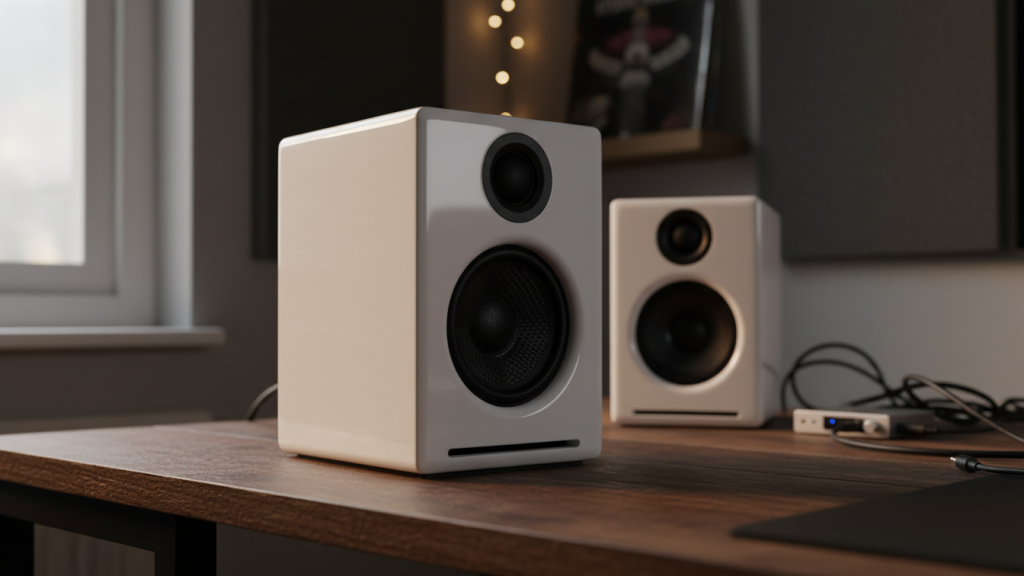
This is the premium compact option: small footprint, “desktop hi-fi” vibe. For WFH, the big win is typically clean, low-fatigue sound that stays pleasant for hours.
Why it works for WFH
- Strong choice for voice clarity + detail (good for long listening sessions)
- Great near-field performance for a desk setup (music and YouTube sound more “separated”)
What to watch out for
- You’re paying a premium compared to the other picks
- Still not a dedicated speakerphone—meetings depend on your mic setup
Best for: people who work at the desk all day and want a long-term “nice speakers” upgrade.
3) Dell SP3022 USB Computer Speaker for PC, Laptop, Monitor, Business Conference-Mini Soundbar Speakerphone, AI Noise Echo Cancellation, Full Duplex Audio, 2 x 1.8W, MS-Teams Certified – Platinum…
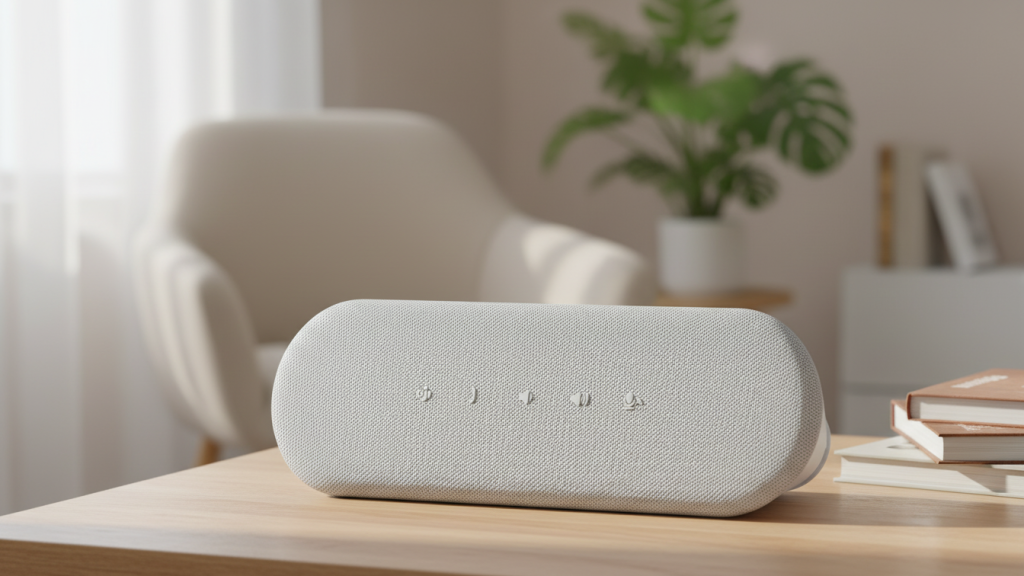
This is the only product here that’s clearly built for meetings first. If you take calls all day and hate headset fatigue, a speakerphone-style mini soundbar is often the most stress-free option.
Why it works for WFH
- Designed for calls with AI noise/echo cancellation and full duplex audio (both matter a lot for clear meetings)
- USB setup is usually straightforward: plug in, select it in Zoom/Teams, done
- Great for quick meetings, daily standups, and home office use
What to watch out for
- It’s not meant to be a “music-first” speaker like the stereo pairs
- Don’t expect deep bass or a wide stereo soundstage
Best for: WFH meetings, Teams/Zoom-heavy schedules, anyone who wants clear calls without wearing headphones.
4) Edifier M60 Multimedia Speaker Bluetooth 5.3, 66W RMS, Hi-Res Audio & Hi-Res Wireless Audio, LDAC,3″ Mid Bass & 1″ Tweeter, USB-C & Aux Inputs, Compact Desktop Speaker – Black
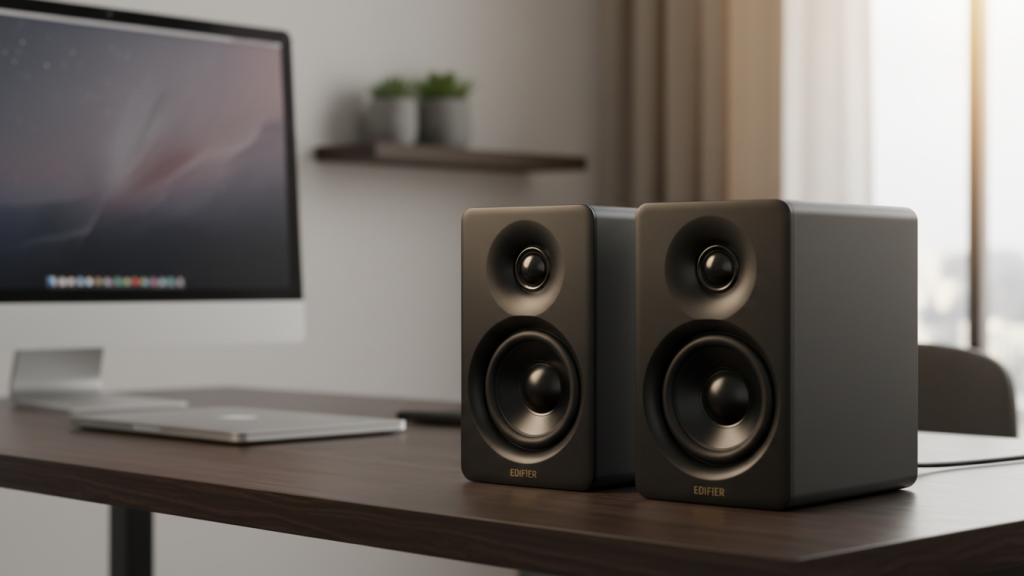
This is the best “modern desk speaker” pick in your list on features alone: USB-C input, compact size, and a real stereo pair. For WFH, that usually translates to a clean daily setup for both calls (listening) and music.
Why it works for WFH
- Stereo pair = better imaging and a more natural sound for music while you work
- USB-C + Aux inputs make it easy to plug into a PC setup
- Strong middle-ground between budget and premium
What to watch out for
- Not a dedicated speakerphone—if you want the cleanest call experience without echo, the Dell is still the safer bet
- Like all desk speakers, positioning affects vocal clarity (toe-in helps)
Best for: people who want one setup that’s great for music while working and still clean for everyday videos/calls.
My Recommendation for Most Work-From-Home Setups
- If your #1 priority is meetings and call quality (and you want to ditch headset fatigue):
Dell SP3022 USB Computer Speaker… - If your #1 priority is music + all-day listening comfort with a clean desk setup:
Edifier M60 Multimedia Speaker… - If you want the best budget stereo pair that feels like a real upgrade:
PreSonus Eris Accent… - If you want a premium compact desk upgrade and don’t mind spending more:
Audioengine A2+…
Quick Setup Tips for Clearer Voice (No Matter What You Buy)
- Keep speakers at the front edge of the desk (reduces muddy reflections)
- Aim them toward your head slightly (toe-in) for clearer vocals
- If you take meetings on speakers, lower speaker volume a bit and keep your mic closer to you to reduce echo risk