If you’re choosing computer speakers, “2.0 vs 2.1” is one of the biggest decisions you’ll make—because it changes not just bass, but also desk space, neighbors, clarity, and how games feel.
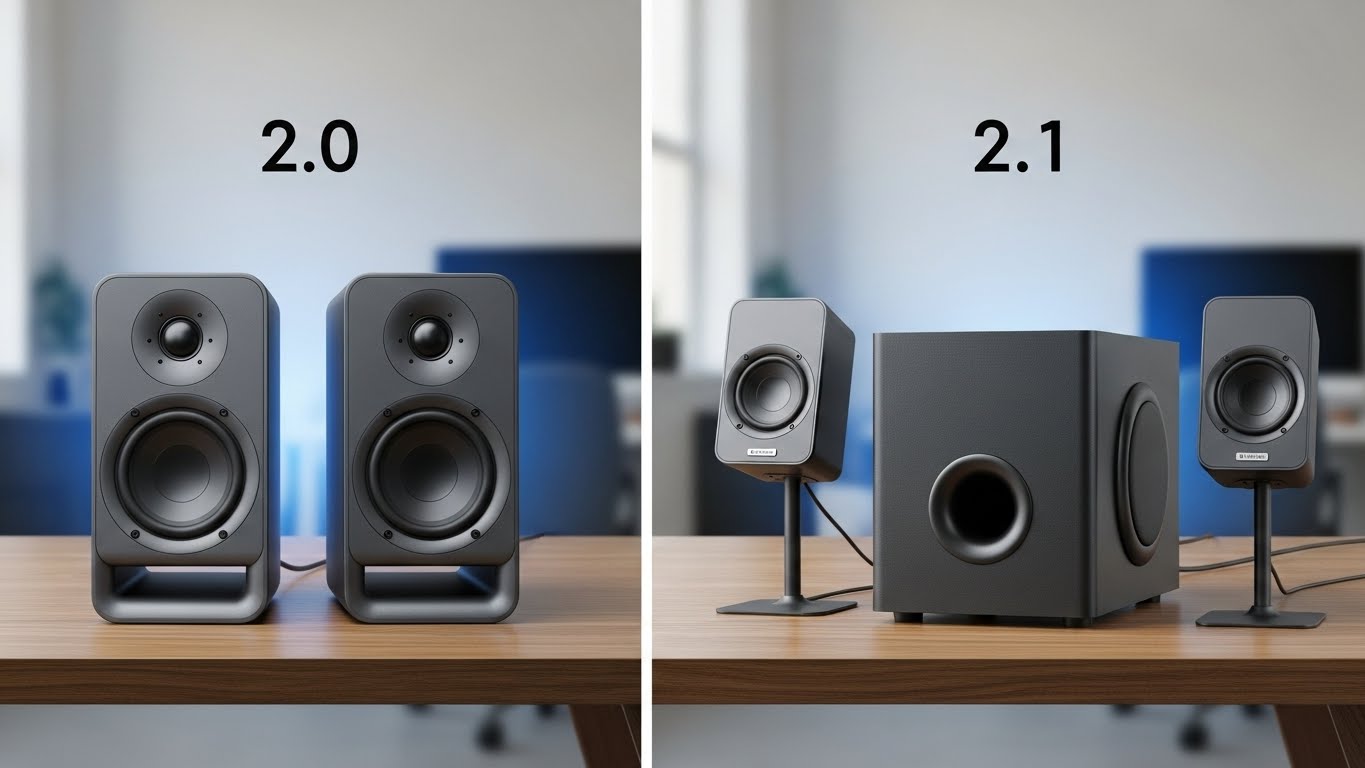
- 2.0 = two speakers (left + right)
- 2.1 = two speakers + a subwoofer
Here’s how to pick the right one for your desk setup.
What 2.0 Does Best (and why many people prefer it)
2.0 speakers are usually the best choice for clarity and balance on a desk, especially at low-to-medium volume.
Choose 2.0 if you want:
- Clear vocals/dialogue (Zoom calls, podcasts, YouTube)
- Better stereo imaging (directional cues in games, instrument separation in music)
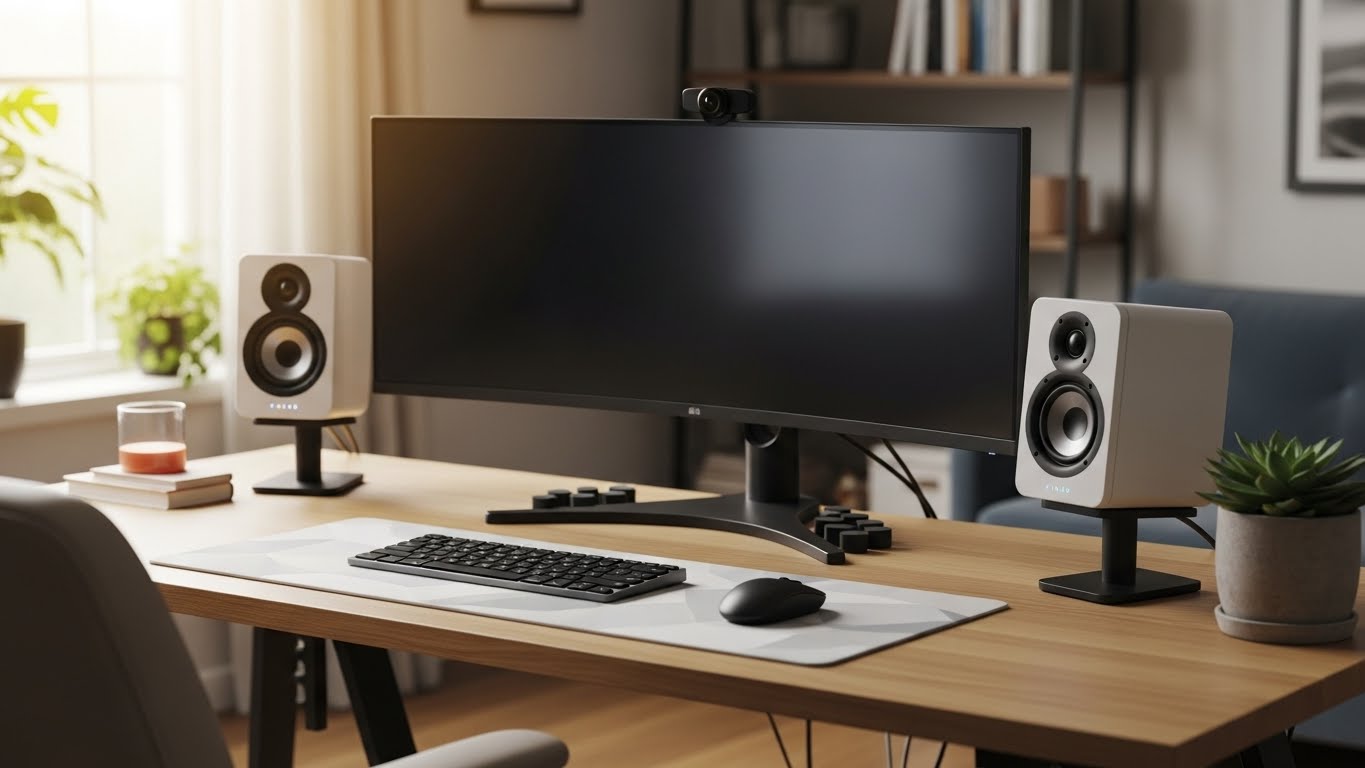
- A cleaner desk setup (less wiring, fewer boxes)
- Less risk of annoying roommates/neighbors
2.0 limitations (be realistic)
- You’ll get less “rumble” in explosions and bass-heavy music
- Small 2.0 speakers may sound thin if you sit farther away or in a big room
Best for: apartments, bedrooms, work-from-home desks, competitive FPS gamers who value imaging.
What 2.1 Does Best (and why it’s fun)
A 2.1 system can make your setup feel like a mini home theater: more impact, deeper bass, bigger immersion.
Choose 2.1 if you want:
- Bass you can feel (action games, movies, EDM/hip-hop)
- Better “fullness” at lower volumes (sub fills in low end without cranking)
- A more cinematic experience in single-player games
2.1 downsides (common regrets)
- Subwoofers can be boomy in small rooms if placed wrong
- More desk/floor clutter (sub placement + extra cables)
- Easier to disturb others through walls/floors
- Cheap subs can make bass loud but not clean, which muddies vocals
Best for: single-player gaming, action movies, larger rooms, people who actually want bass.
When a Subwoofer Helps (Most)
A subwoofer is worth it when:
- Your speakers are small and you listen to bass-heavy content
- You game/watch movies and want impact
- Your desk is against a wall and small speakers sound thin
- You can place the sub correctly and control its volume
Especially helpful for:
- RPGs, racing, action games
- EDM, rap, pop
- Movie watching at your desk
When a Subwoofer Is Too Much
Skip 2.1 (or be very careful) if:
- You live in an apartment with thin walls/floors
- Your room is tiny and already boomy
- You mainly do calls/YouTube and want clean voices
- You sit very close and already get good bass from a quality 2.0 pair
- You hate clutter or don’t have floor space
Most common problem: people set the sub too loud, then voices sound muffled and everything turns into “boom.”
The “Right” Setup for Your Use Case
Work / Zoom / Podcasts / YouTube
✅ 2.0 (clear mids, cleaner voices)
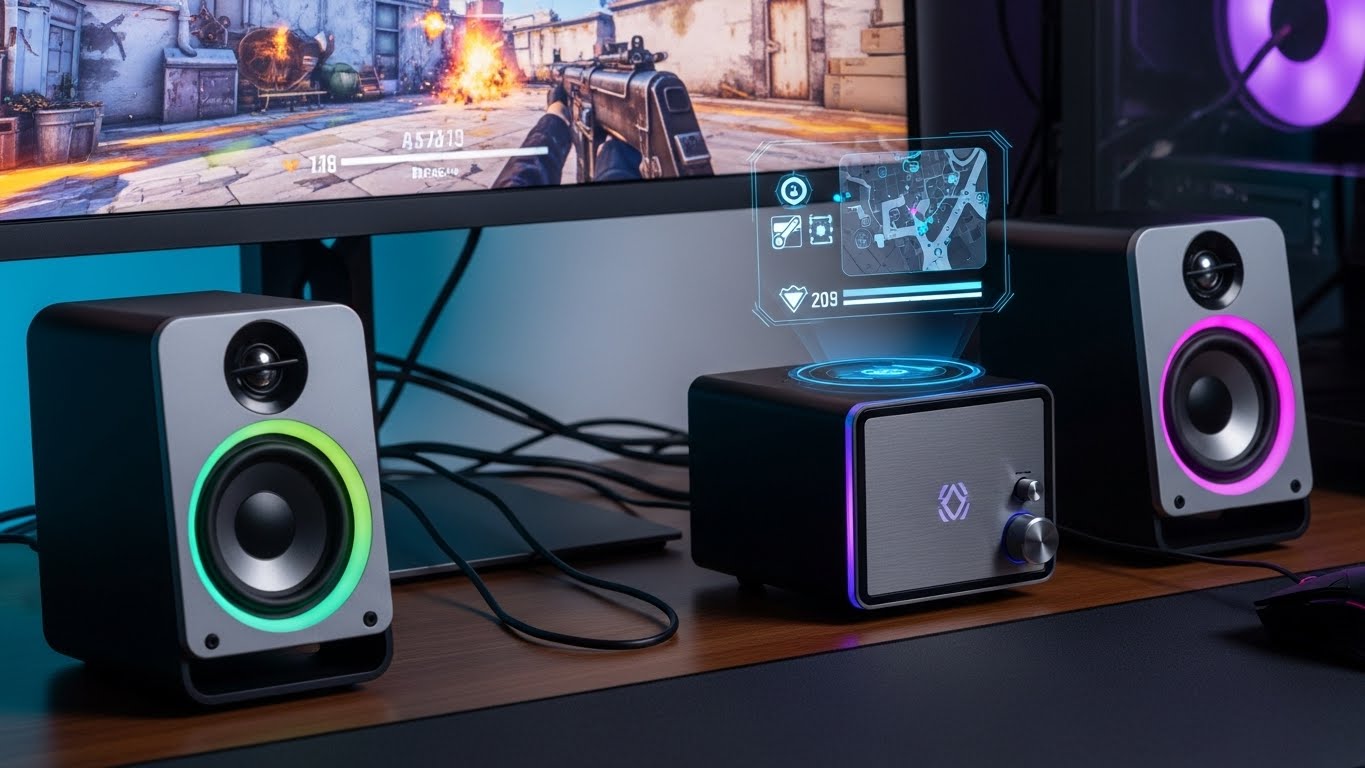
Competitive FPS (footsteps, direction)
✅ 2.0 (imaging matters more than rumble)
Single-player games + movies at your desk
✅ 2.1 (immersion and impact)
Music-first listening
- ✅ 2.0 if you care about detail and balance
- ✅ 2.1 if you mainly want big bass and fun
How to Make 2.1 Sound Good (Not Boomy)
If you go 2.1, do this and you’ll avoid 90% of problems:
- Turn the sub down first
Start low. Add bass slowly until it feels full—not dominant. - Set the crossover right (if adjustable)
A common sweet spot is around 80–120 Hz for small desk speakers.
Too high = bass becomes “locatable” and muddy. - Place it correctly
- Under the desk is fine, but don’t shove it tight into a corner
- Try moving it 6–12 inches at a time until bass sounds tight
- Decouple it from the floor
Put it on an isolation pad or thick mat to reduce vibrations.
A Simple Rule That Works
- If your top priority is clarity + clean setup → choose 2.0
- If your top priority is immersion + bass impact → choose 2.1
- If you’re unsure and you’re in a small room/apartment → start with 2.0 (less regret)